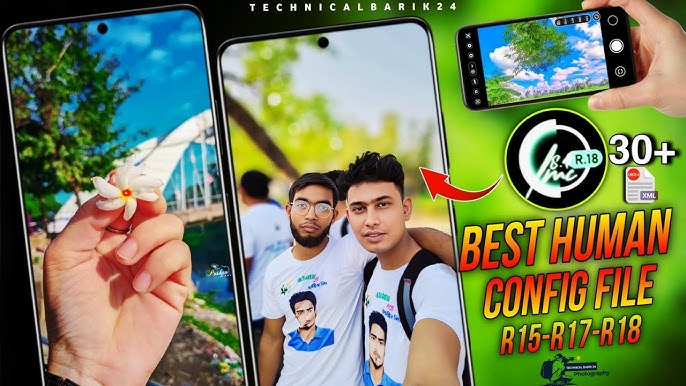
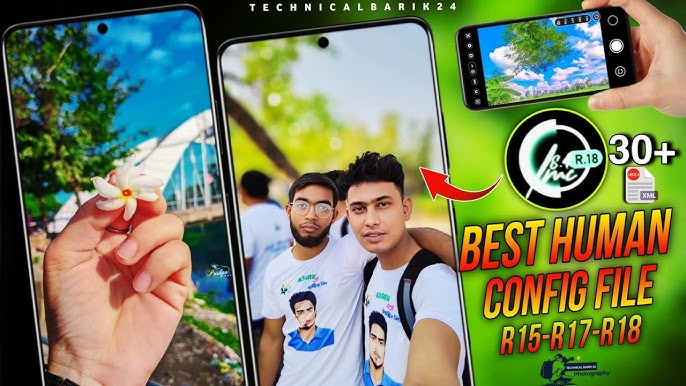
Smartphone photography is more powerful than ever in today’s digital world. LMC Camera is one of the numerous camera apps available for Android users and has gained massive popularity due to its advanced features, improved image processing, and DSLR-like photography experience. Whether you’re an occasional shooter or a photo fanatic, LMC Camera has tools that can really improve your mobile photos.
What is an LMC camera?
The LMC Camera is a re-designed version of the popular Google Camera (GCam) app. It’s designed to provide better image quality, better HDR processing, better night photography and customizable settings for Android smartphones. Many users love LMC Camera because it unlocks the professional-level photography features that are absent in the stock camera apps.
It’s a favorite for users who want sharper images, natural colours and better low-light performance without shelling out for an expensive camera.
LMC Camera Key Features 1. Advanced HDR+ Technology
LMC Camera’s HDR+ processing is one of its standout features. The technology takes several frames and merges them into a single high-quality image with enhanced dynamic range, sharper detail and balanced lighting.
- Night Mode for Photos
LMC Camera greatly enhances night photography. Night Mode captures brighter and more detailed photos in dark settings, reducing noise and preserving true colors.
- Portrait Modus
The app delivers professional quality portrait photography with precise edge detection and beautiful background blur effects. It allows users to take DSLR-like portraits from their smartphones.
- Astrophotography mode:
The astrophotography feature is a big draw for photography lovers. Using long-exposure techniques, users can photograph stars, moonlight and night skies with remarkable detail.
- Stabilization of Video
LMC Camera also improves video recording, with better stabilization and color processing that results in smoother and more cinematic videos.
- Personal preferences
Unlike most default camera apps, LMC Camera allows for XML configuration files. These files allow users to tweak the settings to their device model for the best performance.
Advantages of the LMC Camera
Improved image quality over stock camera apps
Improved low light performance
Sharper and more accurate colors
Free professional photography features
Advanced controls with user friendly interface
These benefits make LMC Camera a great choice for users who want premium photography results without the expense of buying high-end equipment.
Installation & Compatibility
LMC Camera is mostly available on Android devices. As it is a modified application, users get it normally through APK files and not from official app stores. To install, users must enable “Install from Unknown Sources” in their device settings.
But it might depend on the smartphone processor and Android version. Certain features may work better on devices powered by Snapdragon chipsets.
Why LMC Camera Is A Popular Choice
With the spread of social media platforms, the need for high quality mobile photography is increasing. Users want bold, bright, professional looking images for Instagram, TikTok, Facebook and more. LMC Camera answers that call and provides advanced photography tools in a free app.
Also, photography lovers love the flexibility and customization options that the app offers.
Conclusion:
LMC Camera has become one of the most powerful camera apps for Android users. It turns regular smartphone cameras into professional photography equipment with features like HDR+, Night Mode, portrait photography, astrophotography, and video stabilization. Mobile photography fans love this option because it boosts image quality and provides adjustable settings.
If you want to improve your smartphone photography, LMC Camera is definitely worth a try.